Question 101 · 301 in bank
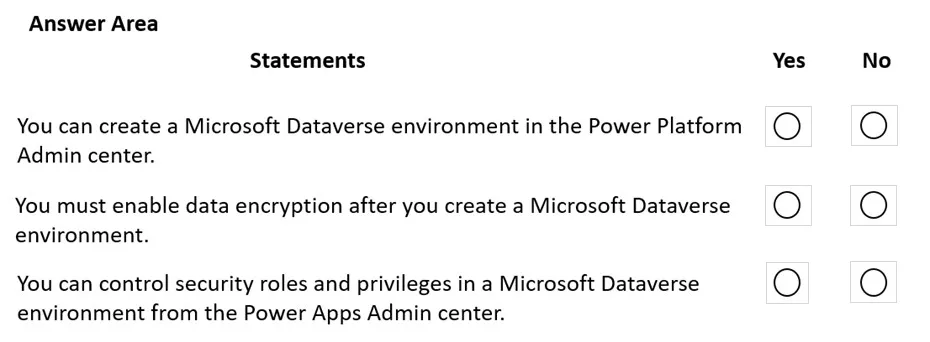
DRAG DROP - You create a flow by using a template. You want to add support for additional business scenarios. You need to ensure that the new workflow does not break existing functionality. Which flow editing utilities should you use? To answer, drag the appropriate tools to the correct requirements. Each tool may be used once, more than once, or not at all. You may need to drag the split bar between panes or scroll to view content. NOTE: Each correct selection is worth one point. Select and Place:

This is an interactive task on the real exam — a drag-and-drop, hotspot or ordering question. There is nothing to select here, so the answer is shown below for reference.
Show the answer figure
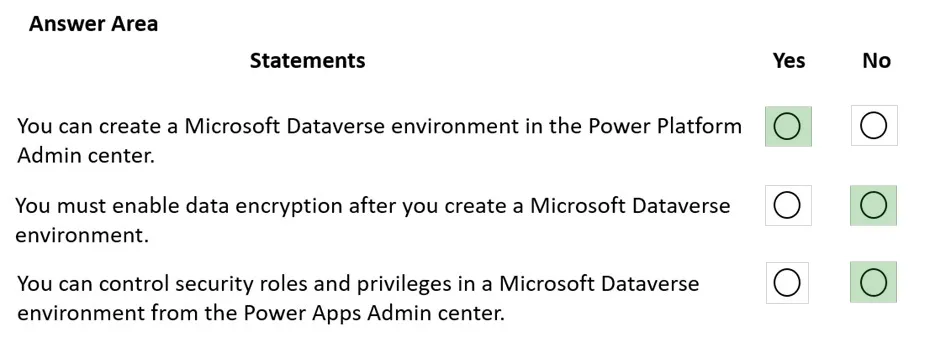
Answer: See figure below
Explanation
Box 1: Flow Checker - The Flow checker feature will promote higher quality flows by ensuring you follow best practices. By running the checker, you will be able to get answers to questions like: which areas of my flow implementation pose a performance or reliability risk? For each issue identified, the Flow checker points to specific occurrences within the flow where improvements may be required. And more importantly, you learn how to implement these improvements by following detailed guidance. Box 2: Test - Box 3: Test - Reference: https://flow.microsoft.com/en-us/blog/flow-checker-four-connectors/ https://docs.microsoft.com/en-us/power-automate/modern-approvals
Source: Adapted from community discussion — Iker