Question 1 · 683 in bank
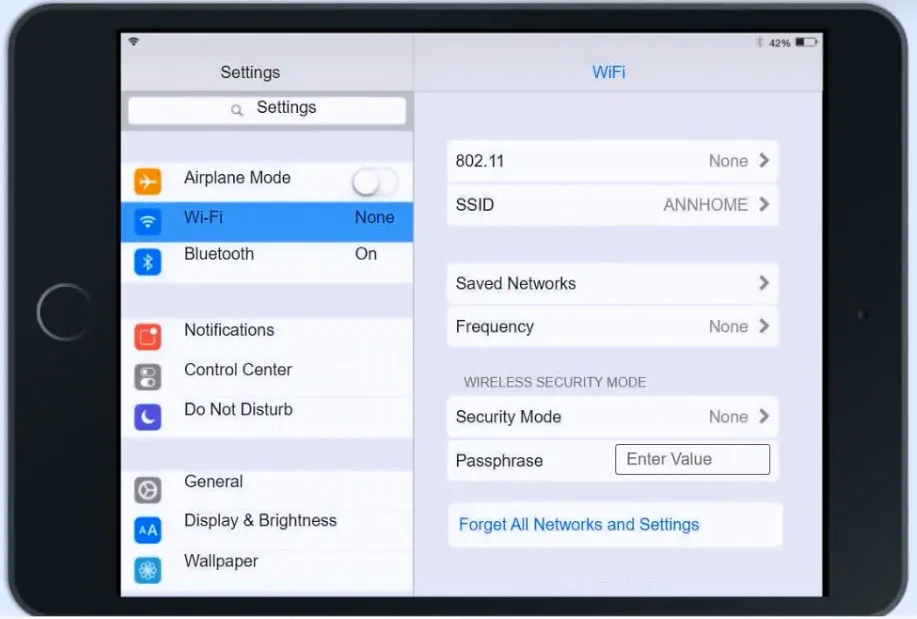
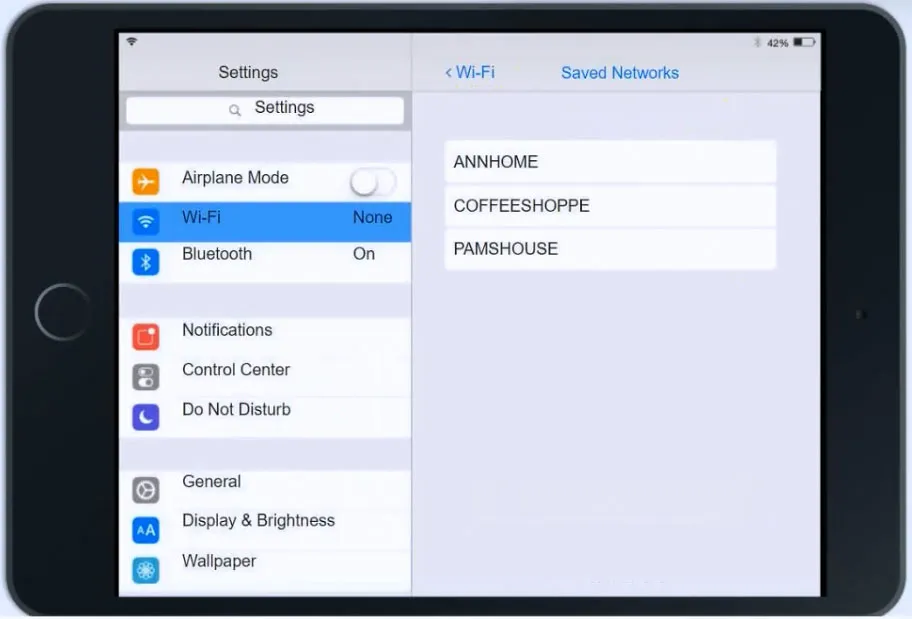
SIMULATION - Ann, a CEO, has purchased a new consumer-class tablet for personal use, but she is unable to connect to the wireless network. Other users have reported that their personal devices are connecting without issues. She has asked you to assist with getting the device online without adjusting her home WiFi configuration. INSTRUCTIONS - Review the network diagrams and device configurations to determine the cause of the problem and resolve any discovered issues. If at any time you would like to bring back the initial state of the simulation, please click the Reset All button.




This is an interactive task on the real exam — a drag-and-drop, hotspot or ordering question. There is nothing to select here, so the answer is shown below for reference.
Show the answer figure
Answer: See figure below
Explanation
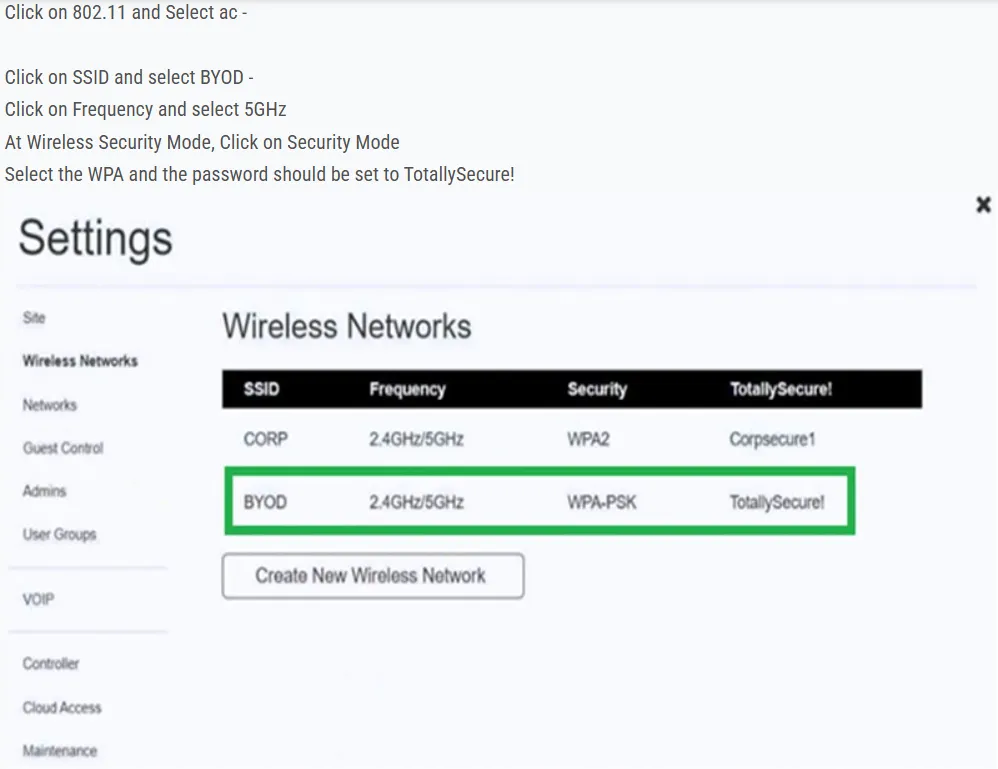
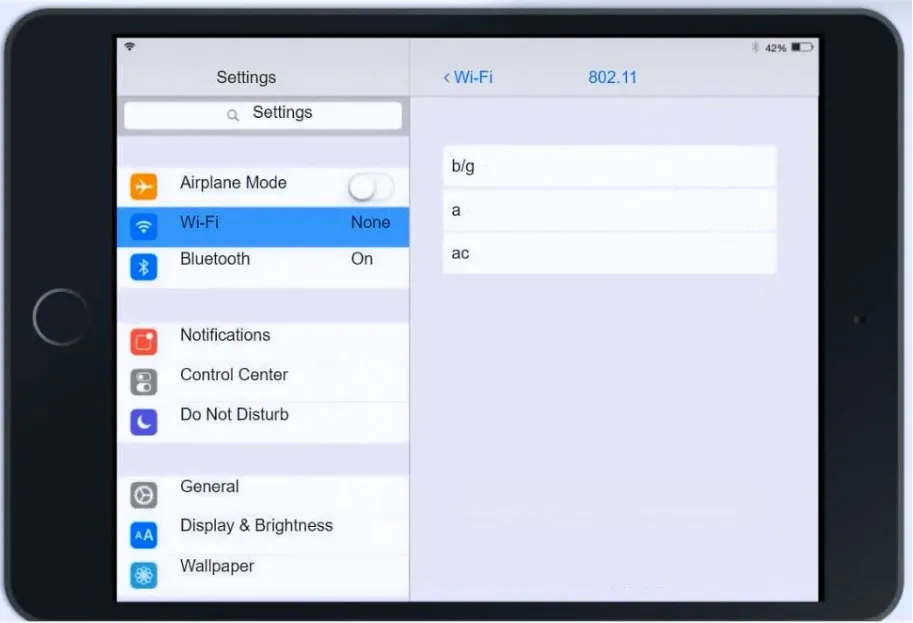
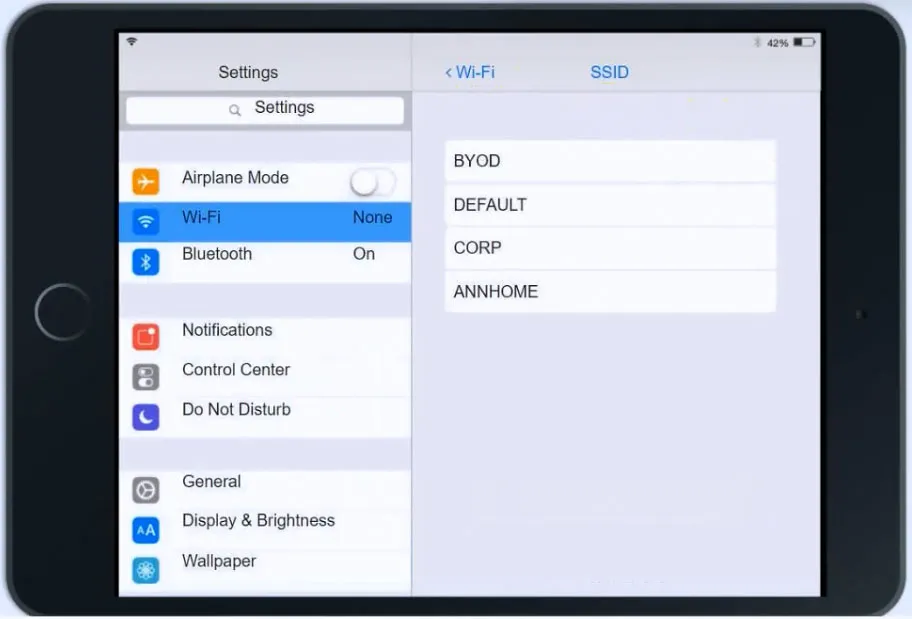
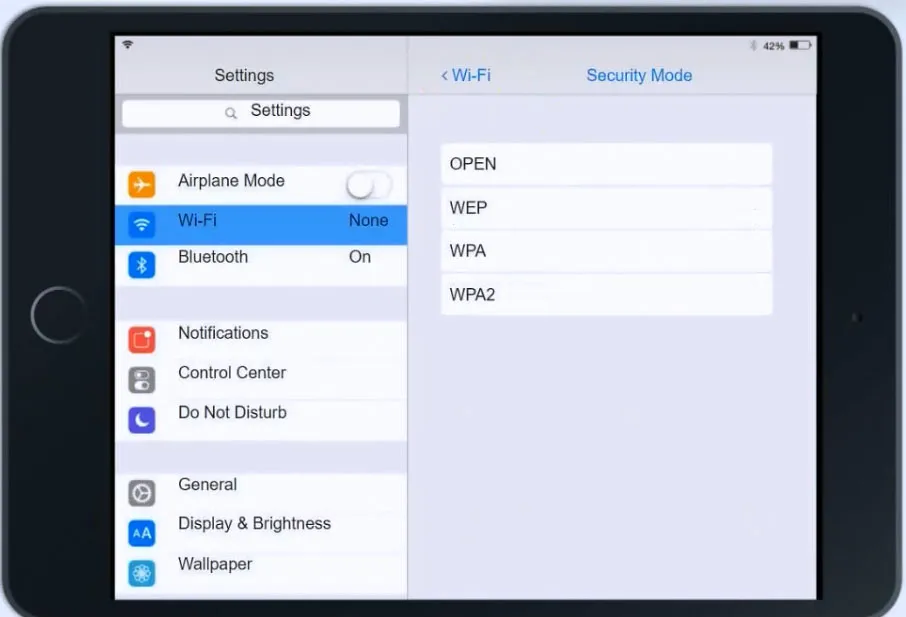
Click on 802.11 and Select ac - Click on SSID and select BYOD - Click on Frequency and select 5GHz At Wireless Security Mode, Click on Security Mode Select the WPA and the password should be set to TotallySecure!
Source: Adapted from community discussion — Joms26