Question 371 · 683 in bank
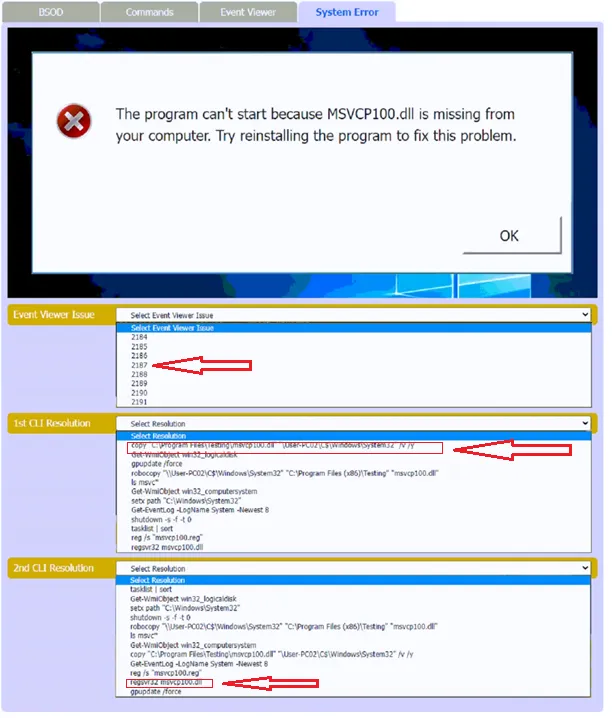
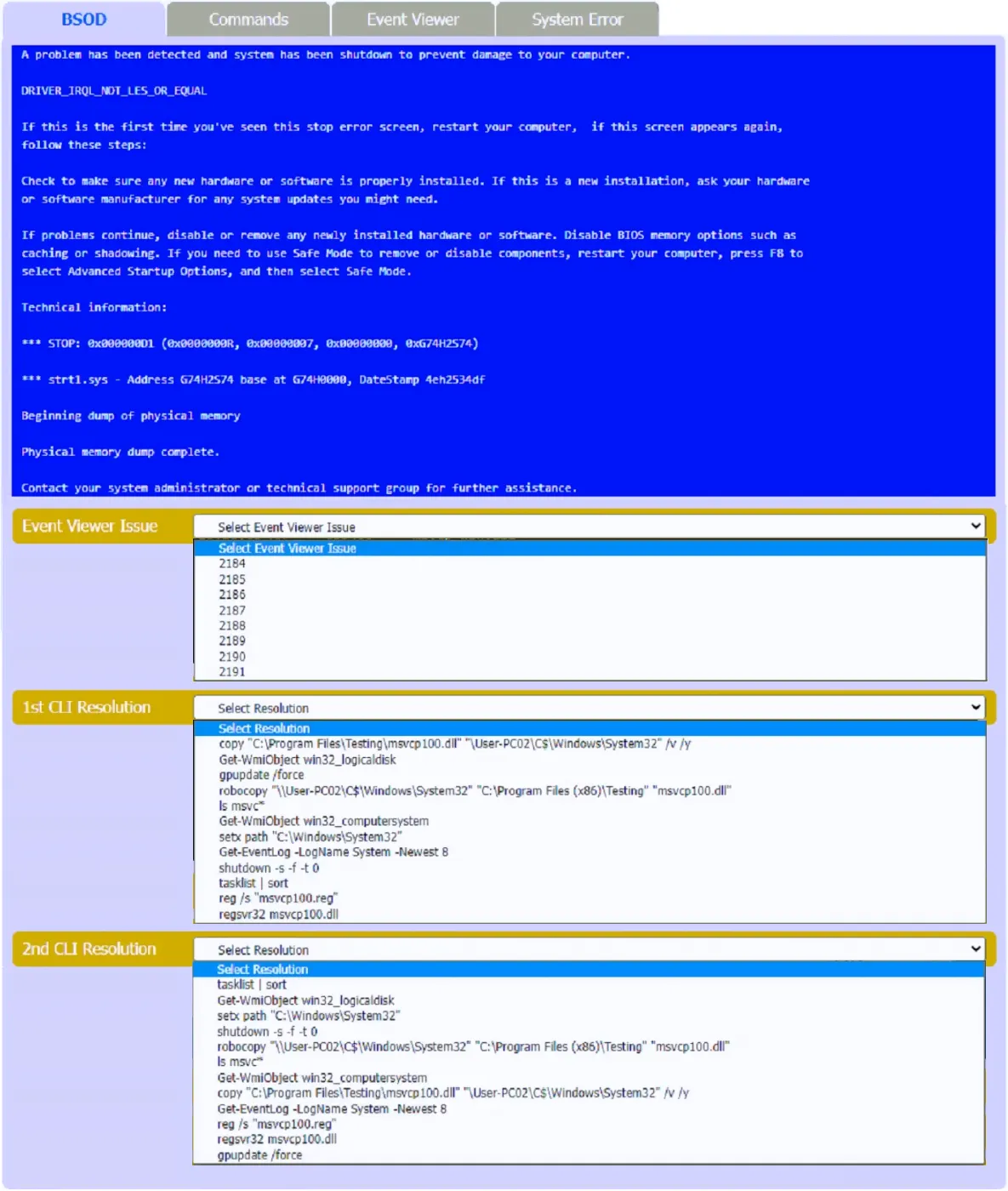
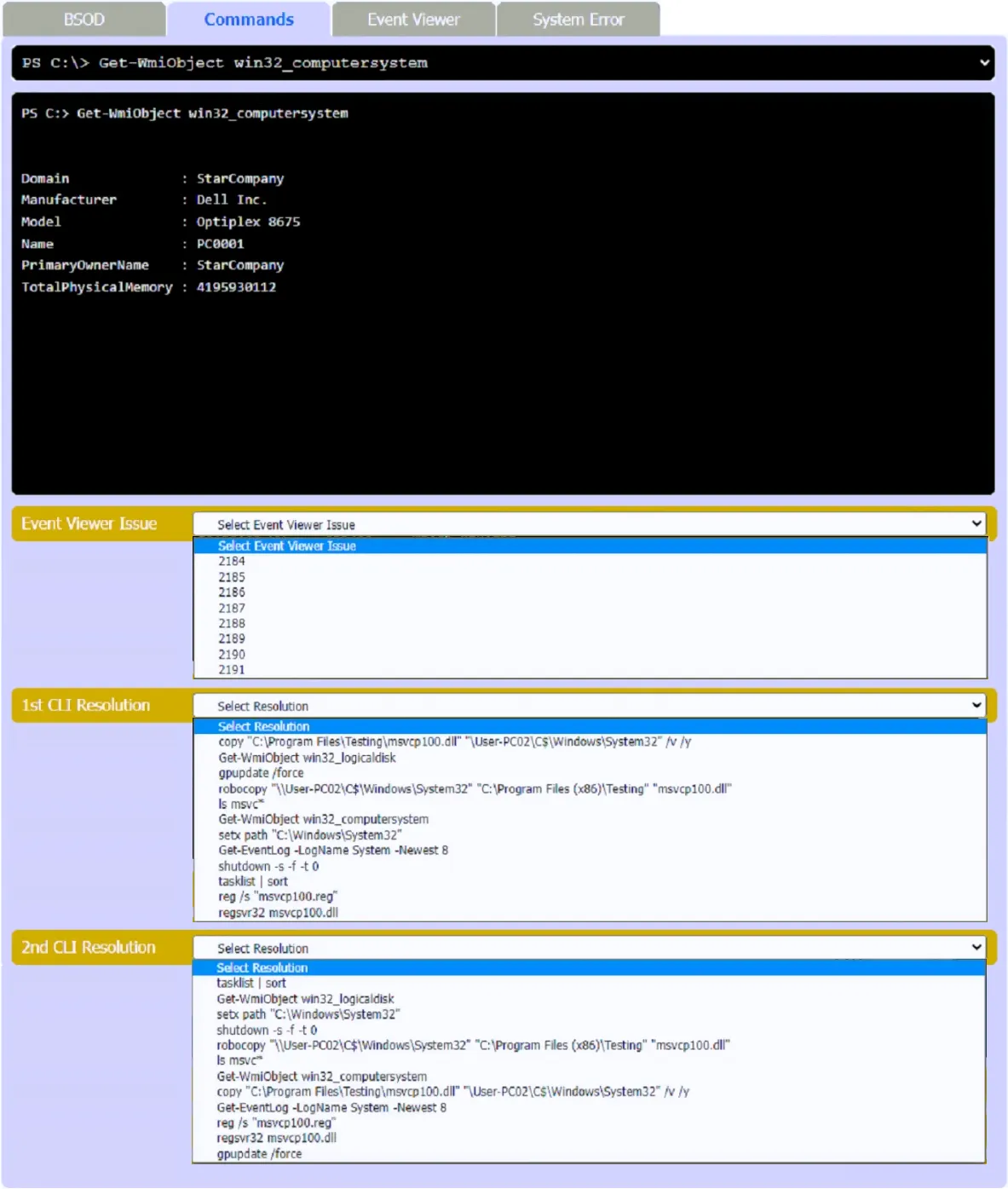
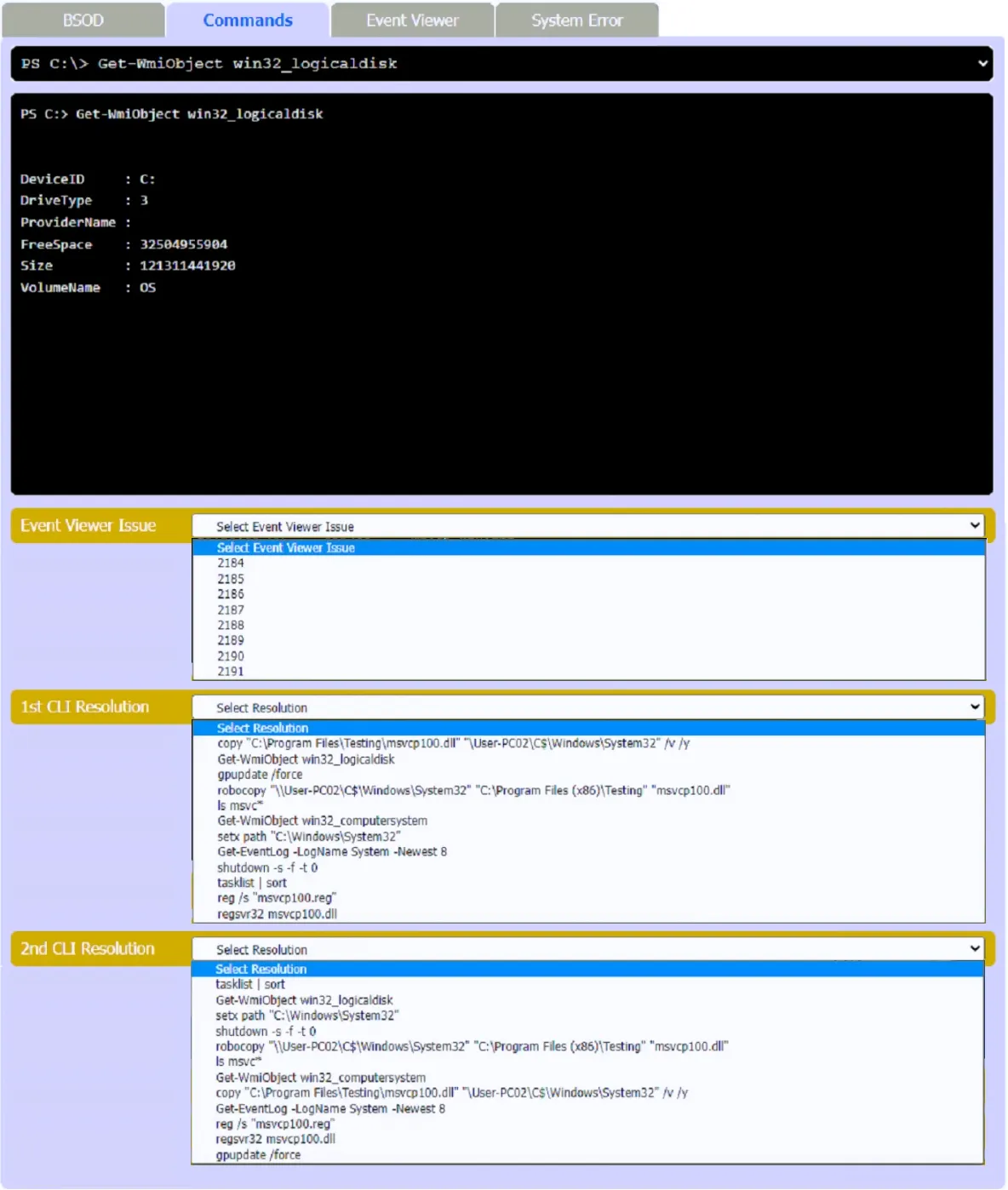
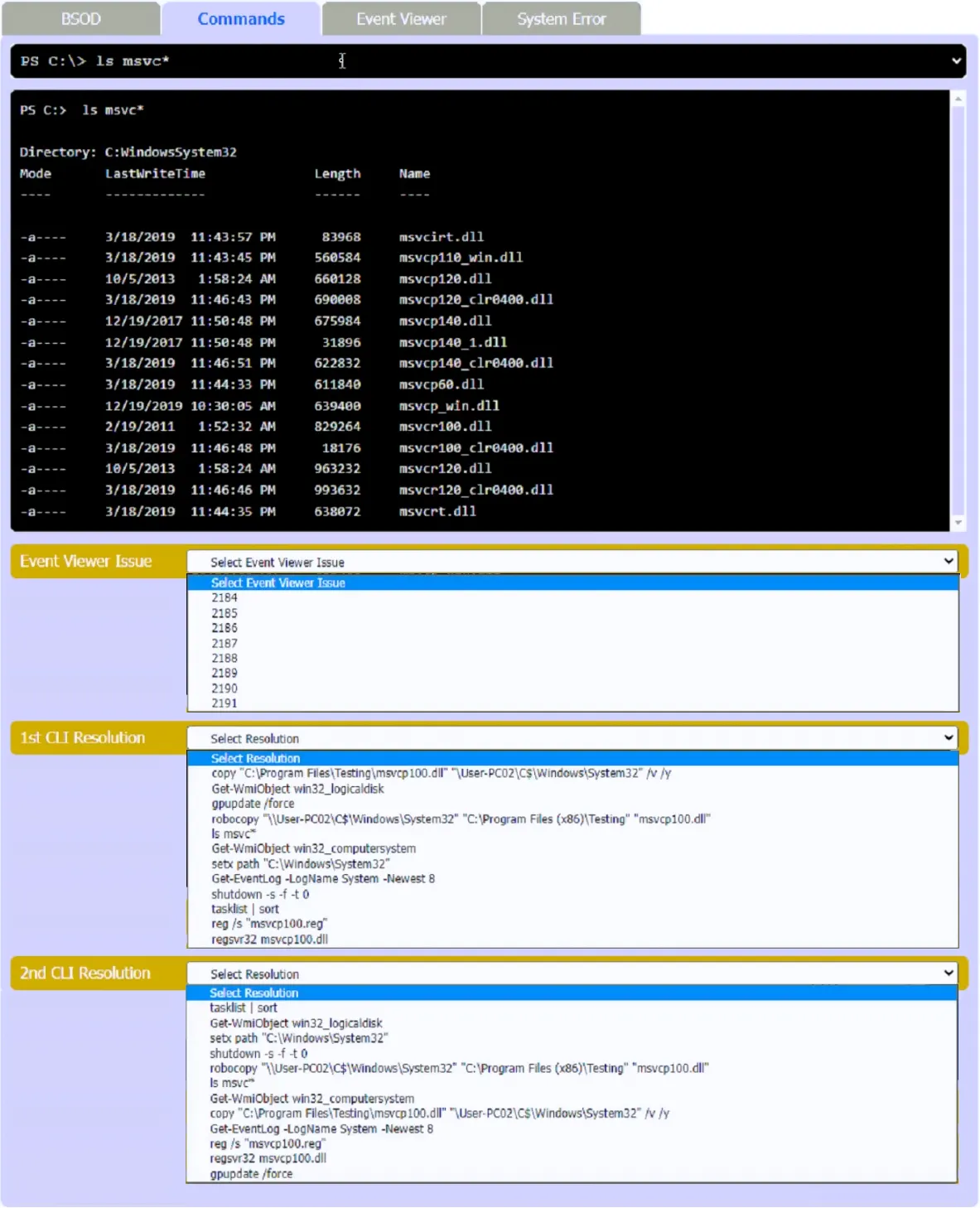
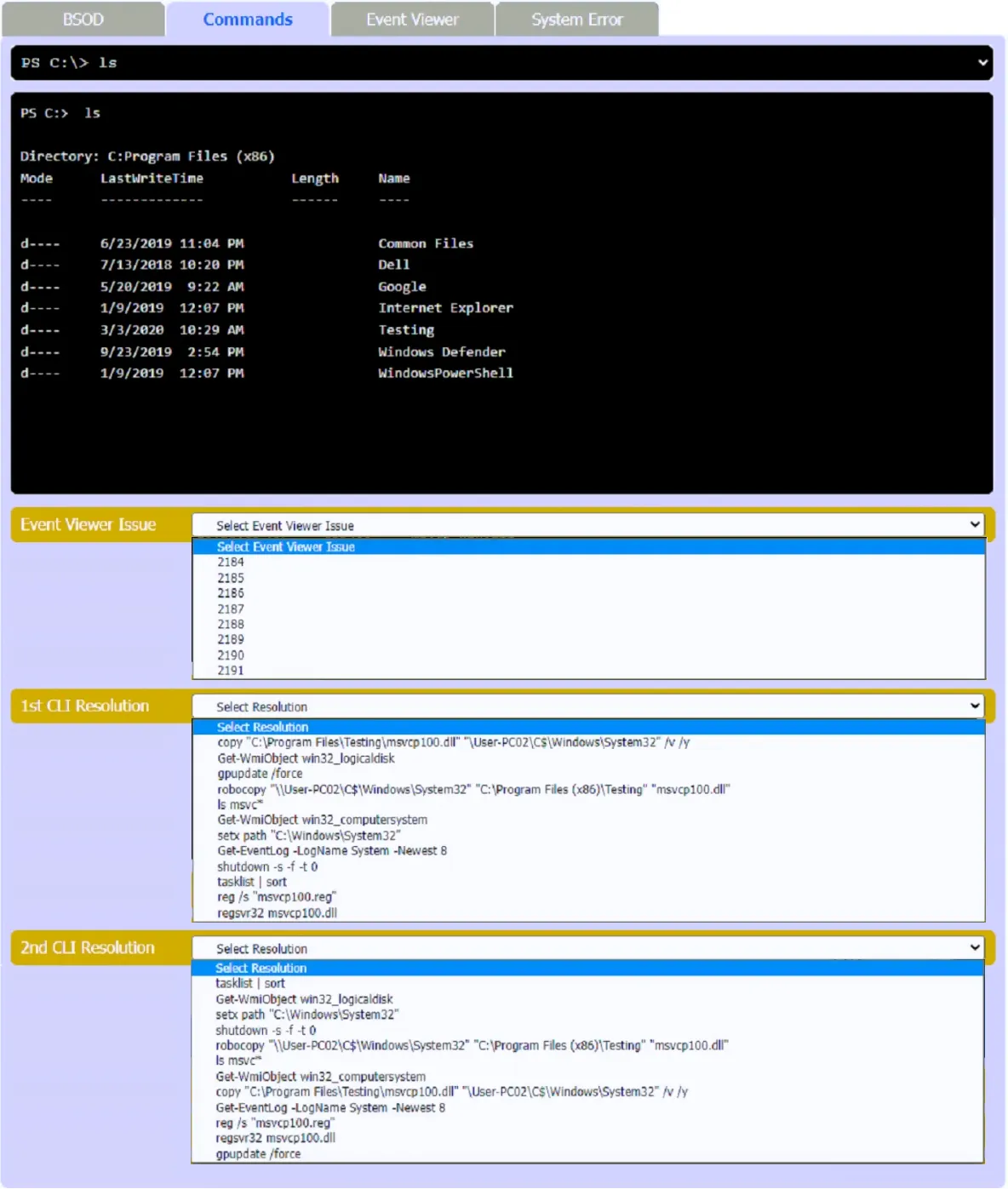
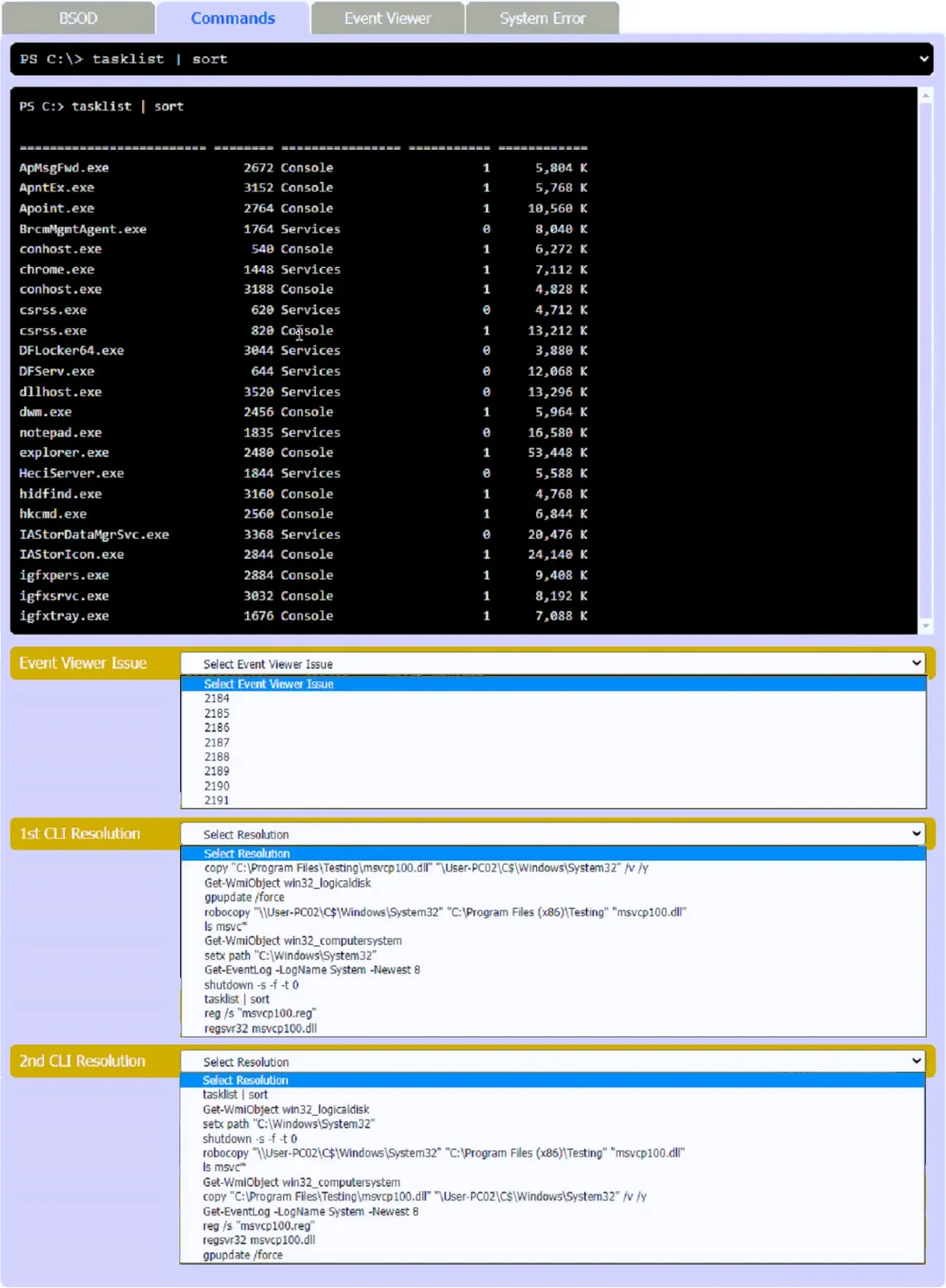
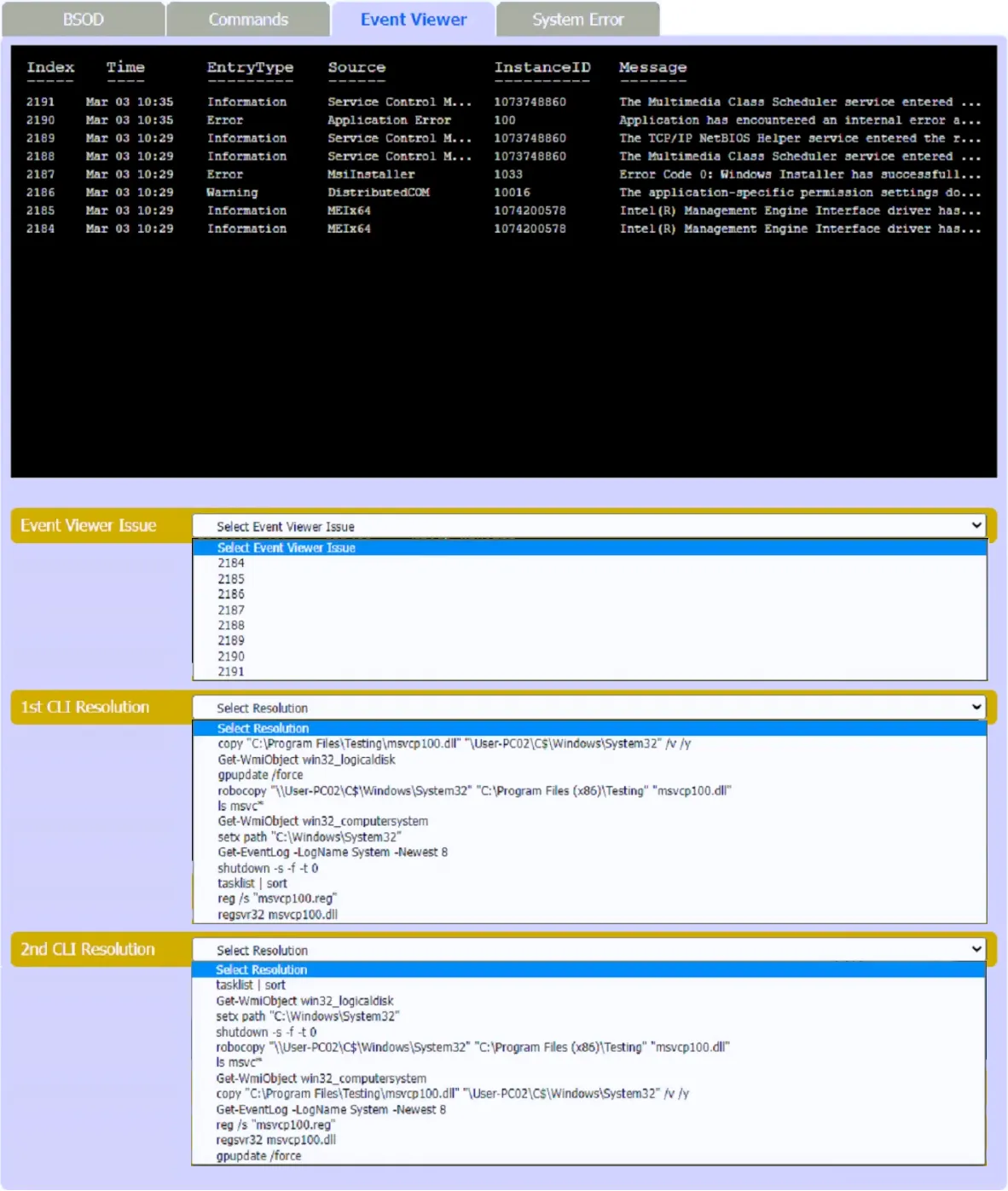
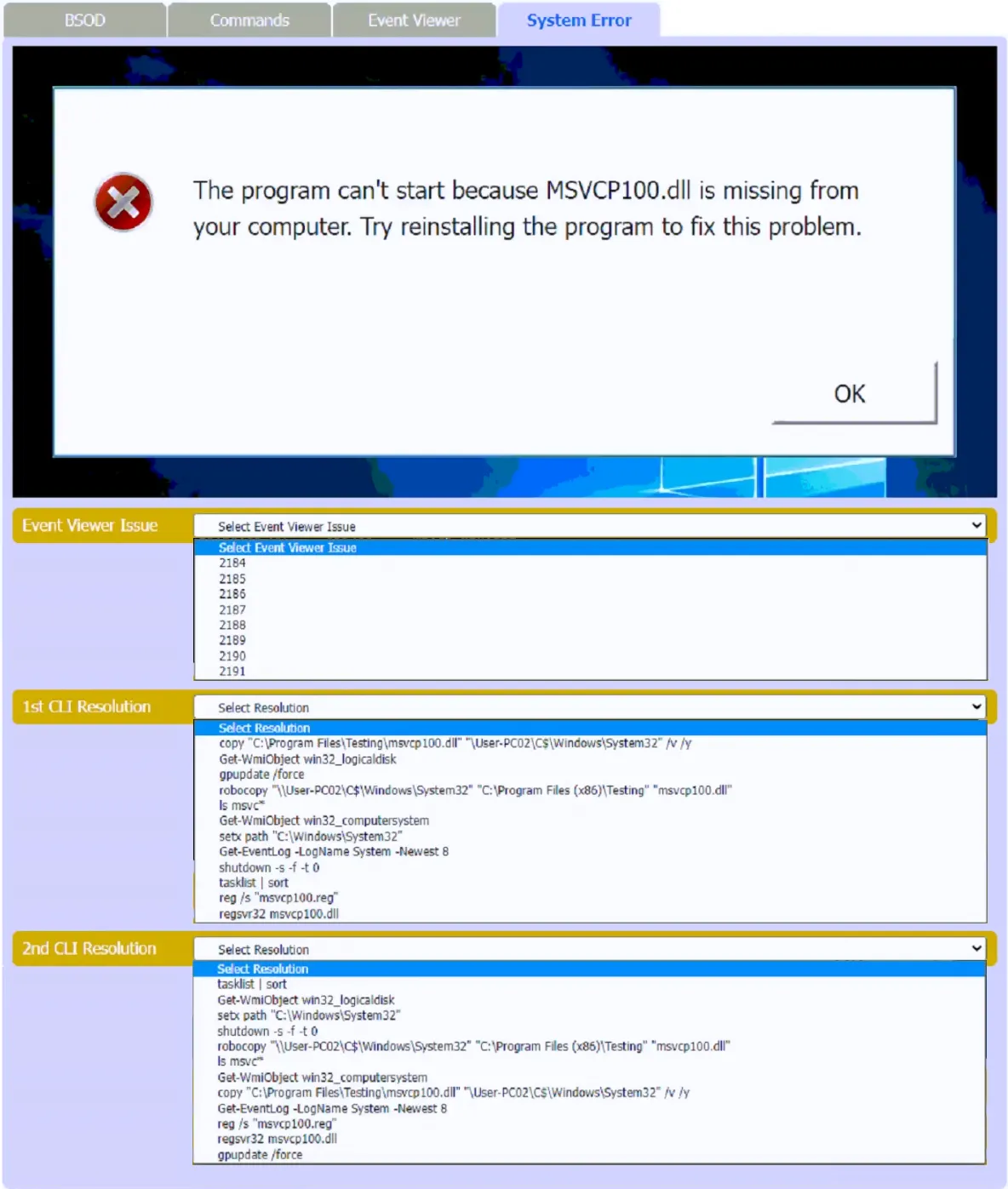
SIMULATION - A user reports that after a recent software deployment to upgrade applications, the user can no longer use the Testing program. However, other employees can successfully use the Testing program. INSTRUCTIONS - Review the information in each tab to verify the results of the deployment and resolve any issues discovered by selecting the: • Index number of the Event Viewer issue • First command to resolve the issue • Second command to resolve the issue If at any time you would like to bring back the initial state of the simulation, please click the Reset All button.
This is an interactive task on the real exam — a drag-and-drop, hotspot or ordering question. There is nothing to select here, so the answer is shown below for reference.
Show the answer figure
Answer: See figure below
Explanation
The first one should be 2190. You can see that in the Event Viewer, this is when the application crashes and where you will also see why it crashed, although in this case it's pretty obvious, since you get an actual popup. What happened? MSVCP100.dll probably got corrupt, which is part of VC++ 2012 redistributables. The tech's idea here (bit idiotic to be fair, reinstalling VC++ would probably just be easier) is to copy that dll from another workstation and register it on the system again. Which brings us to why the second answer is wrong. Not only it's copying to a remote PC instead of the local one, but the UNC path is wrong, you can see it starts with a single backslash, so it will NOT work. The proper command is the Robocopy one: robocopy source destination file Once the dll is copied, you run regsvr32 to register the dll on the system, which will get rid of the error. The only thing that really bugs me here, is that the dll should probably be thrown into the system32 folder, but well, given the options, it's what it is.
Source: Adapted from community discussion — ETQ