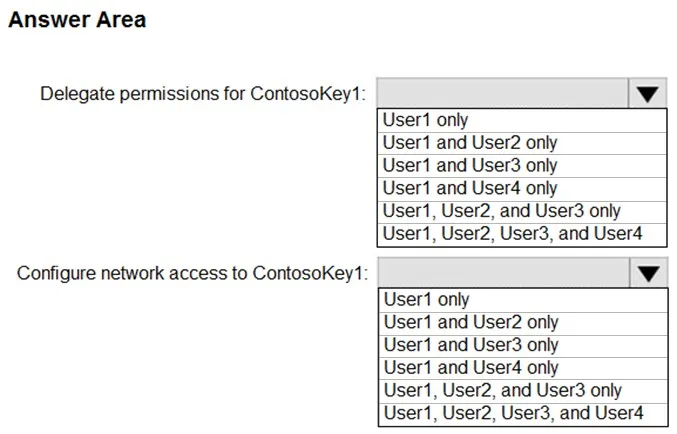
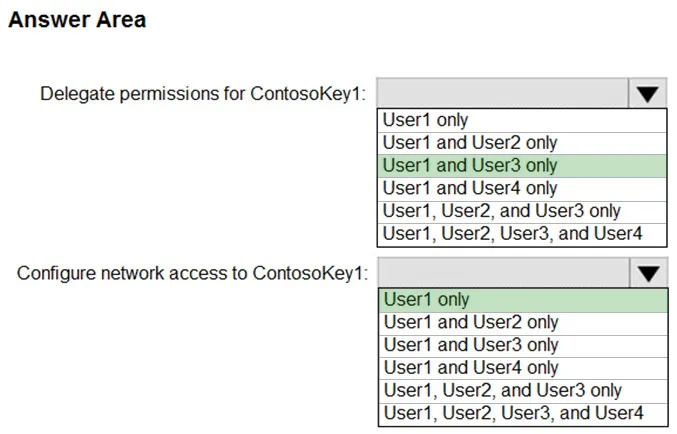
Question 381 · 496 in bank
SIMULATION - You plan to use Azure Disk Encryption for several virtual machine disks. You need to ensure that Azure Disk Encryption can retrieve secrets from the KeyVault12345678 Azure key vault. To complete this task, sign in to the Azure portal and modify the Azure resources.
This is an interactive task on the real exam — a drag-and-drop, hotspot or ordering question. There is nothing to select here, so the answer is shown below for reference.
Show the answer figure
Answer: See figure below
Explanation
1. In the Azure portal, type Key Vaults in the search box, select Key Vaults from the search results then select KeyVault12345678. Alternatively, browse to Key Vaults in the left navigation pane. 2. In the Key Vault properties, scroll down to the Settings section and select Access Policies. 3. Select the Azure Disk Encryption for volume encryption 4. Click Save to save the changes.
Source: Adapted from community discussion — JakeCallham