Question 41 · 289 in bank
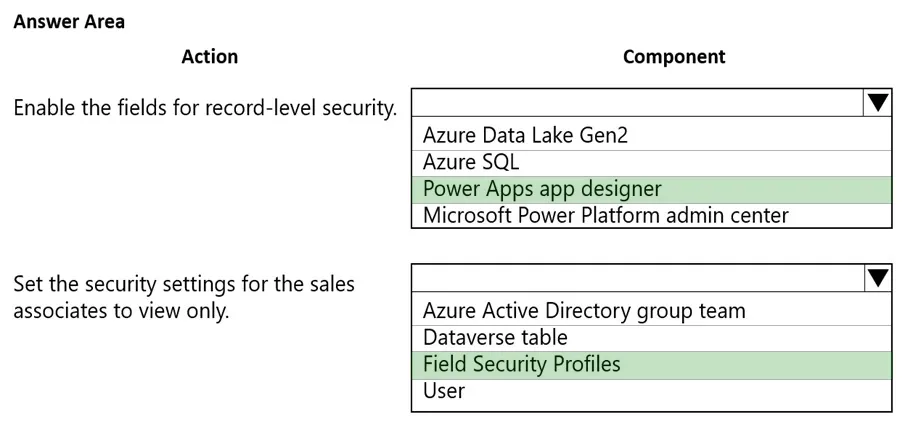
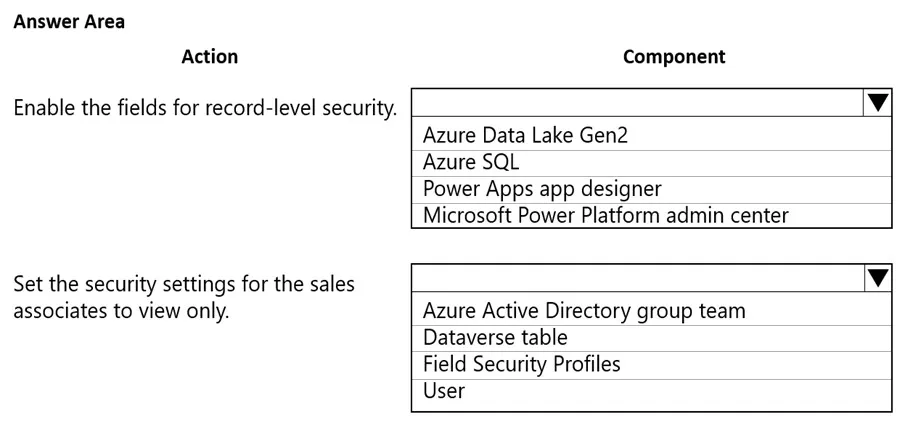
HOTSPOT - A customer uses Power Apps to view and maintain their contacts that are stored in Microsoft Dataverse. Several columns must be configured to ensure the security settings for sales associates are view only. You need to configure the access restrictions. Which component for field-level security should you use? To answer, select the appropriate options in the answer area. NOTE: Each correct selection is worth one point. Hot Area:
This is an interactive task on the real exam — a drag-and-drop, hotspot or ordering question. There is nothing to select here, so the answer is shown below for reference.
Show the answer figure
Answer: See figure below
Explanation
Box 1: Power Apps app designer - Secure the column. Example - 1. Sign in to Power Apps (The Power Apps website - https//make.powersapp.com) 2. Select Dataverse > Tables. 3. Select the Contact table. 4. Under Schema, select Columns. 5. Expand Advanced options, and then under General, enable Enable column security. 6. Select Save. Box 2: Field Security Profiles - Configure the security profiles. Example 1. From the Power Platform admin center, select the environment to configure security profiles for. 2. Select Settings > Users + permissions > Column security profiles. 3. Select New Profile, enter a name, such as Sales Manager, enter a description, and then select Save. 4. Select Sales Manager, select the Users tab, select + Add Users, select the users that you want to grant access to the mobile phone number on the contact form, and then select Add. Reference: https://docs.microsoft.com/en-us/power-apps/maker/model-driven-apps/app-designer-overview https://docs.microsoft.com/en-us/power-platform/admin/field-level-security
Source: Adapted from community discussion — Clubsodas
References