Question 231 · 540 in bank
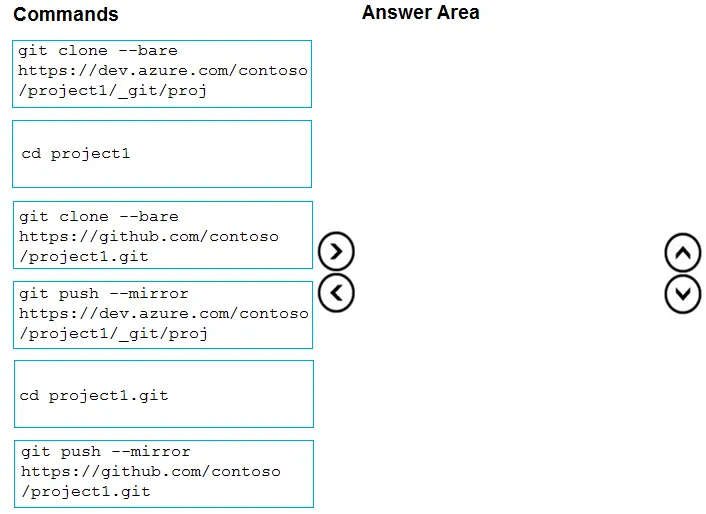
DRAG DROP - You have a GitHub repository named repo1 that stores the code of an app named App1. You need deploy a workflow for repo1 by using GitHub Actions. The solution must meet the following requirements: • Scan on pushes to the main branch. • Scan on pull requests to the main branch. • Scan on pull requests to any branch that has a prefix of releases/. • Scan all the files in the subdirectories of the src directory. • Exclude scanning of markdown files. How should you complete the code? To answer, drag the appropriate values to the correct targets. Each value may be used once, more than once, or not at all. You may need to drag the split bar between panes or scroll to view content. NOTE: Each correct selection is worth one point.

This is an interactive task on the real exam — a drag-and-drop, hotspot or ordering question. There is nothing to select here, so the answer is shown below for reference.
Show the answer figure
Answer: See figure below
Explanation
Box 1 'releases/**' matches branches that start with "releases/" and can have any number of levels of directory structure after the prefix. It matches branches like "releases/v1", "releases/stable", and "releases/v1/bugfix" because it allows any level of subdirectories after the "releases/" prefix. Box 2 **/*.md: This pattern matches any file with the .md extension in any directory and its subdirectories. The ** is a wildcard that represents any level of directories. So, for example, it would match files like file.md, subdir/file.md, subdir/subdir2/file.md, and so on. Box 3 src/**: This pattern matches any file or directory within the src directory and its subdirectories. The ** is a wildcard that represents any level of directories. So, for example, it would match files or directories like src/file.txt, src/subdir/file.txt, src/subdir/subdir2/file.txt, and so on.
Source: Adapted from community discussion — gujjudesi420