Question 81 · 394 in bank
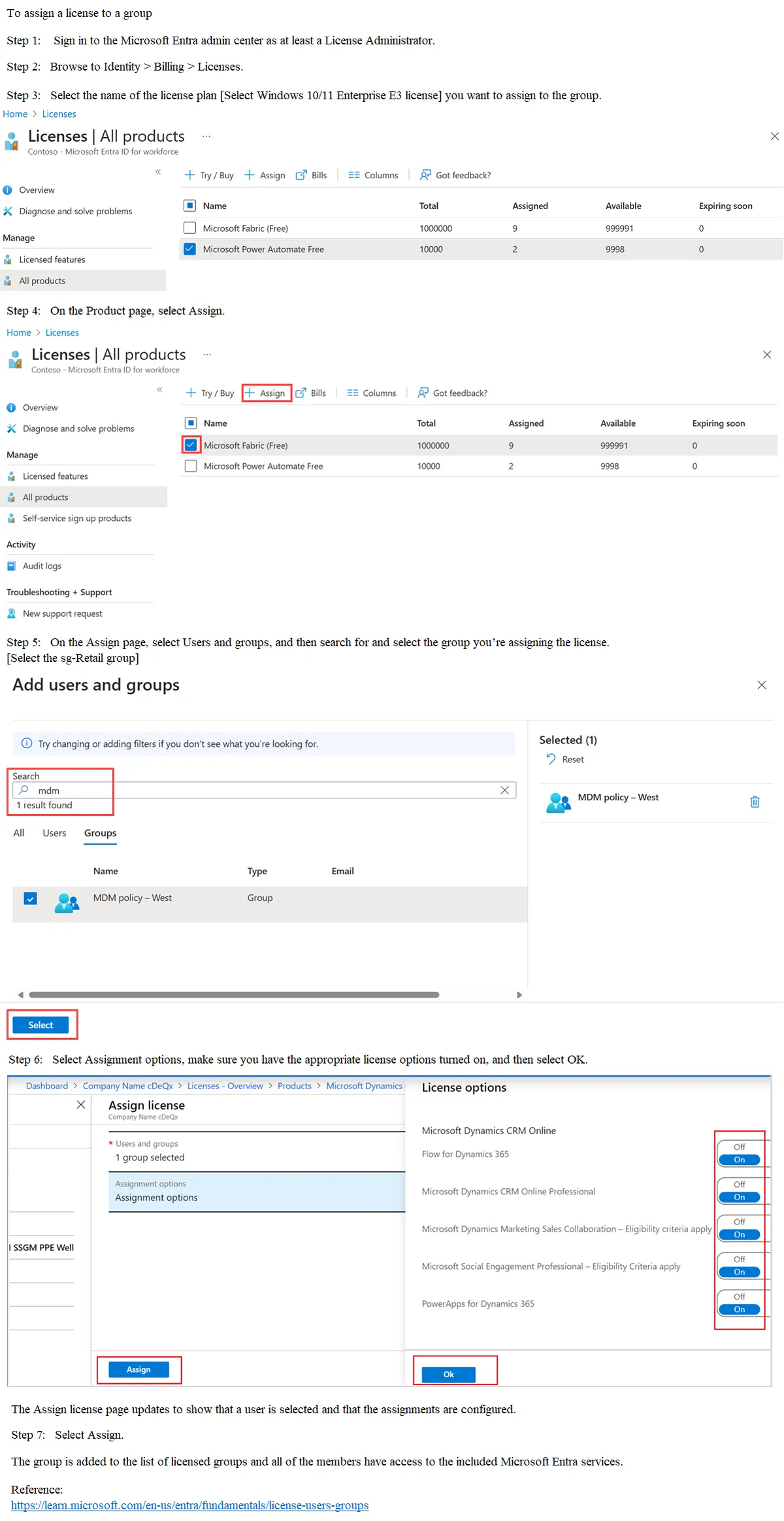
You have 2,500 users who are assigned Microsoft Office 365 Enterprise E3 licenses. The licenses are assigned to individual users. From the Groups blade in the Microsoft Entra admin center, you assign Microsoft Office 365 Enterprise E5 licenses to a group that includes all users. You need to remove the Office 365 Enterprise E3 licenses from the users by using the least amount of administrative effort. What should you use?
Show answer
Answer: C
Explanation
C. the Set-MgUserLicense cmdlet To remove the Office 365 Enterprise E3 licenses from the users who are now part of a group with Office 365 Enterprise E5 licenses assigned, you should use the Set-MgUserLicense cmdlet. This cmdlet allows you to modify the licenses assigned to a user. By using this cmdlet, you can remove the Office 365 Enterprise E3 licenses from all users who are part of the group where you assigned the Office 365 Enterprise E5 licenses.
Source: Adapted from community discussion — dzdz