Question 451 · 570 in bank
HOTSPOT - You have an Azure subscription that contains the Azure virtual machines shown in the following table.

You configure the network interfaces of the virtual machines to use the settings shown in the following table.

From the settings of VNET1 you configure the DNS servers shown in the following exhibit.

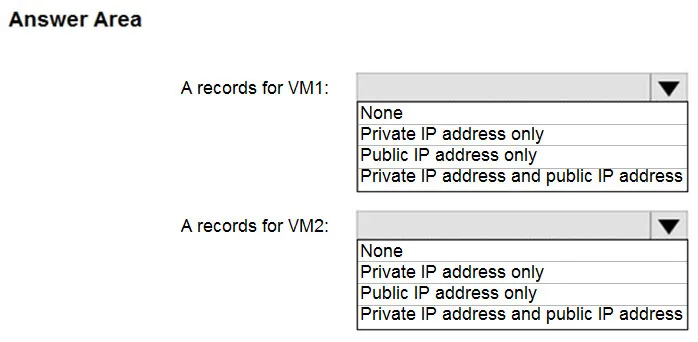
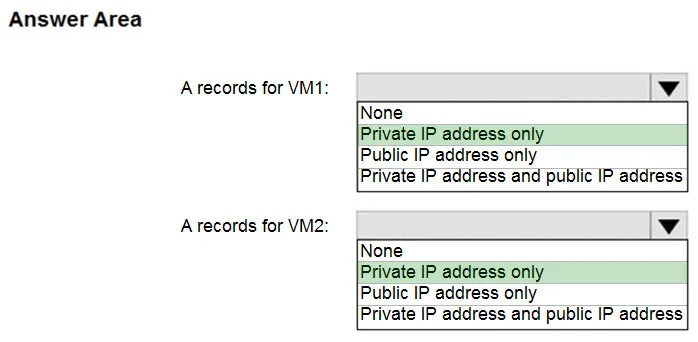
The virtual machines can successfully connect to the DNS server that has an IP address of 192.168.10.15 and the DNS server that has an IP address of 193.77.134.10. For each of the following statements, select Yes if the statement is true. Otherwise, select No. NOTE: Each correct selection is worth one point. Hot Area:

This is an interactive task on the real exam — a drag-and-drop, hotspot or ordering question. There is nothing to select here, so the answer is shown below for reference.
Show the answer figure
Answer: See figure below
Explanation
Box 1: Yes - You can specify DNS server IP addresses in the VNet settings. The setting is applied as the default DNS server(s) for all VMs in the VNet. Box 2: No - You can set DNS servers per VM or cloud service to override the default network settings. Box 3: Yes - You can set DNS servers per VM or cloud service to override the default network settings. Reference: https://docs.microsoft.com/en-us/azure/virtual-network/virtual-networks-faq#name-resolution-dns
Source: Adapted from community discussion — mlantonis
References