Question 391 · 570 in bank
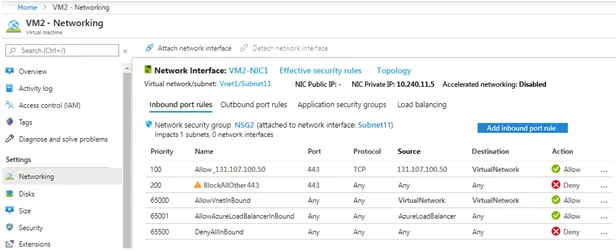
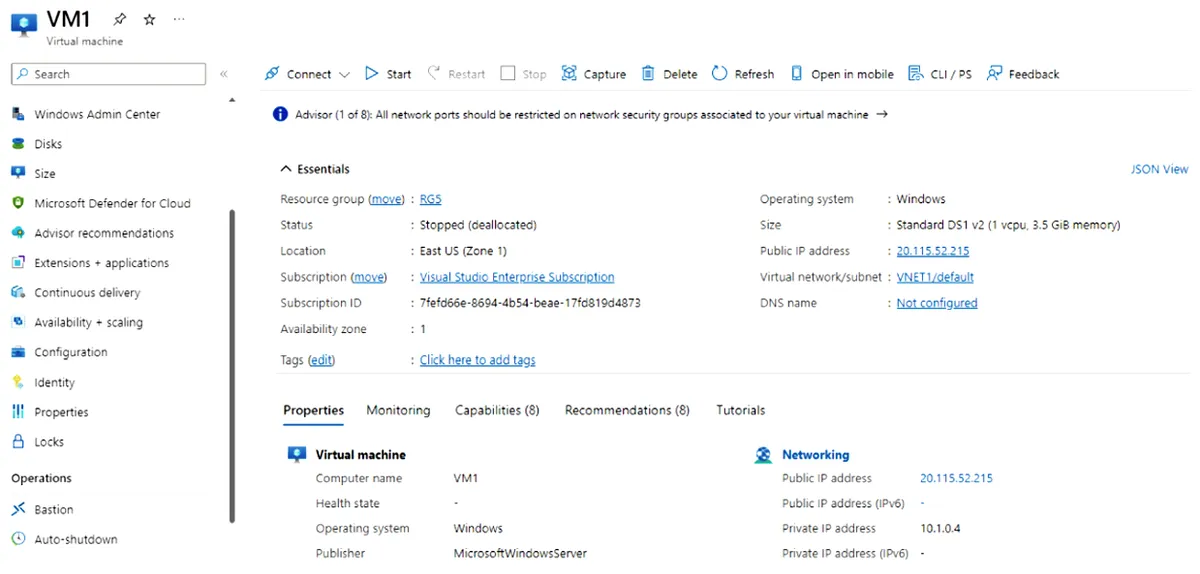
You have two Azure subscriptions named Sub1 and Sub2. Sub1 contains a virtual machine named VM1 and a storage account named storage1. VM1 is associated to the resources shown in the following table.

You need to move VM1 to Sub2. Which resources should you move to Sub2?
Show answer
Answer: D
Explanation
When you move a virtual machine from one subscription to another, you need to ensure that all the dependent resources are also moved along with it. In the given scenario, VM1 is associated with the resources Disk1 (OS Disk), NetInt1 (Network Interface), and VNet1 (Virtual Network), and the storage account named storage1 is not associated with VM1. Therefore, to move VM1 to Sub2, you need to move the following resources: VM1: This is the virtual machine that you want to move to Sub2. Disk1: This is the OS disk for VM1, and it contains the operating system and boot files. NetInt1: This is the network interface that is attached to VM1 and provides connectivity to the virtual network. VNet1: This is the virtual network that is associated with VM1, and it provides the network connectivity to the virtual machine.
Source: Adapted from community discussion — _fkucuk