Question 61 · 264 in bank
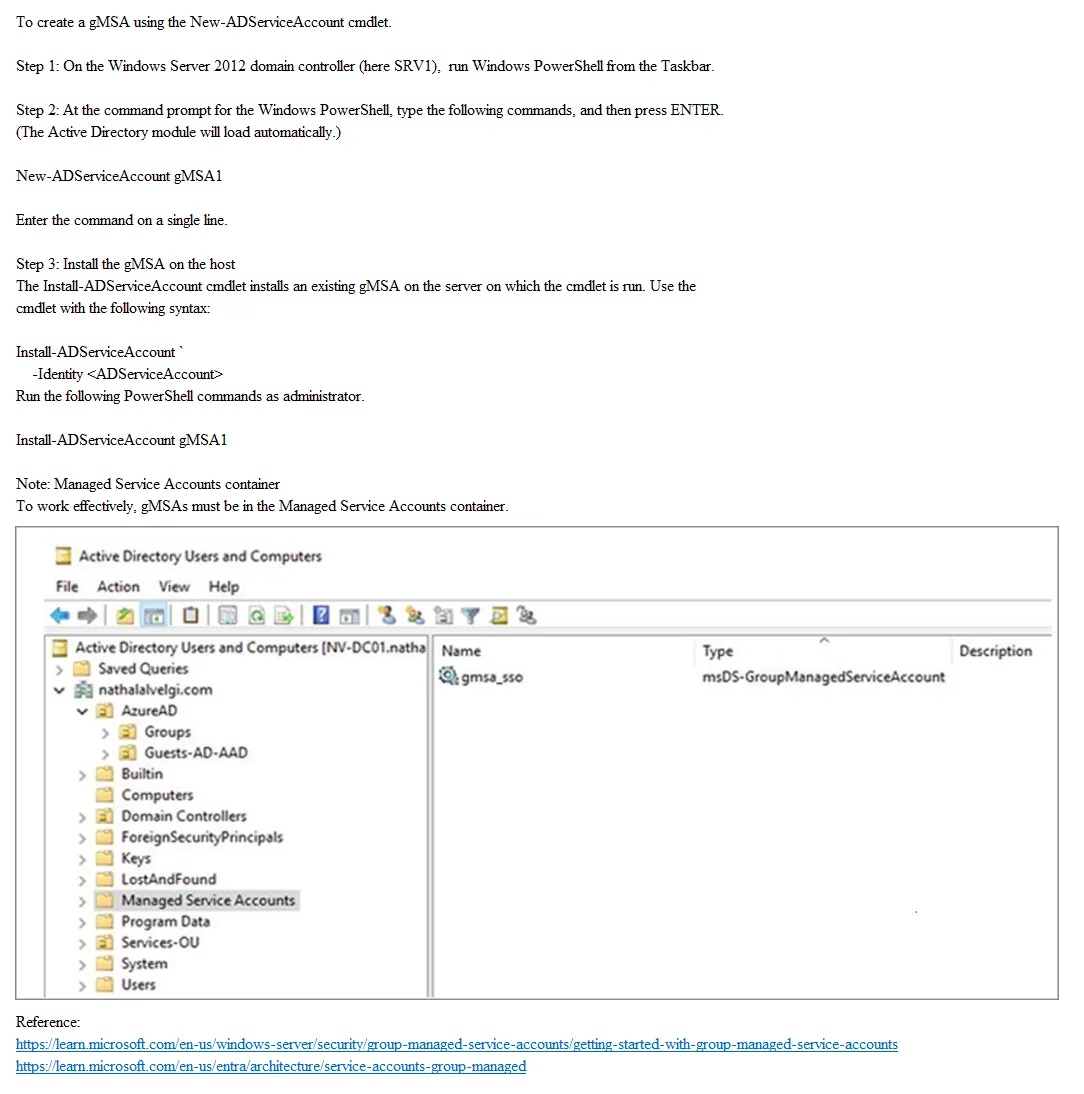
SIMULATION - You need to create a group-managed service account (gMSA) named gMSA1 and make gMSA1 available on SRV1. To complete this task, sign in to the required computer or computers.
This is an interactive task on the real exam — a drag-and-drop, hotspot or ordering question. There is nothing to select here, so the answer is shown below for reference.
Show the answer figure
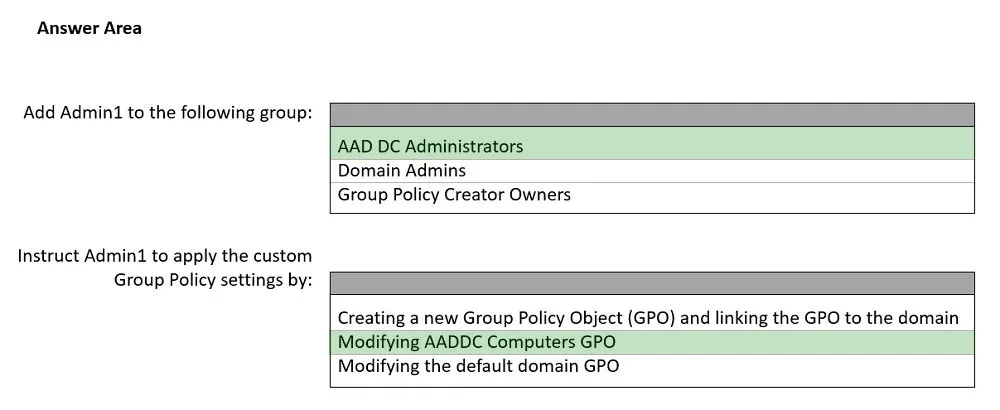
Answer: See figure below
Explanation
1.Open PowerShell as an Administrator on a domain controller. 2. Create the KDS Root Key (if not already created): Add-KdsRootKey -EffectiveImmediately 3.Create the gMSA: New-ADServiceAccount -Name gMSA1 -DNSHostName srv1.yourdomain.com -PrincipalsAllowedToRetrieveManagedPassword "Domain Computers" 4. Install the gMSA on SRV1: Open PowerShell on SRV1 as an Administrator. Install the AD module if not already installed: Install-WindowsFeature RSAT-AD-PowerShell Install the gMSA: Install-ADServiceAccount -Identity gMSA1 5.Test the gMSA installation: Test-ADServiceAccount -Identity gMSA1 If the test returns True, the gMSA is successfully installed and available on SRV1.
Source: Adapted from community discussion — Krayzr