Question 701 · 856 in bank
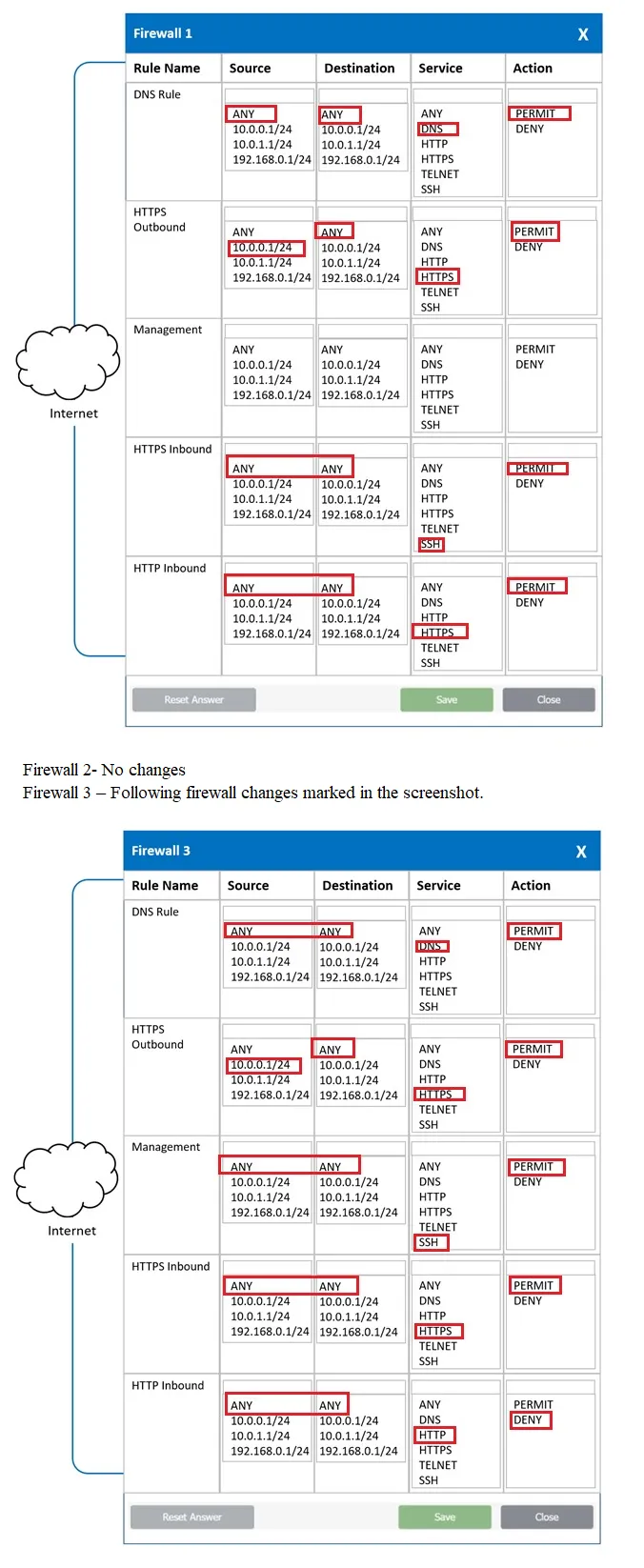
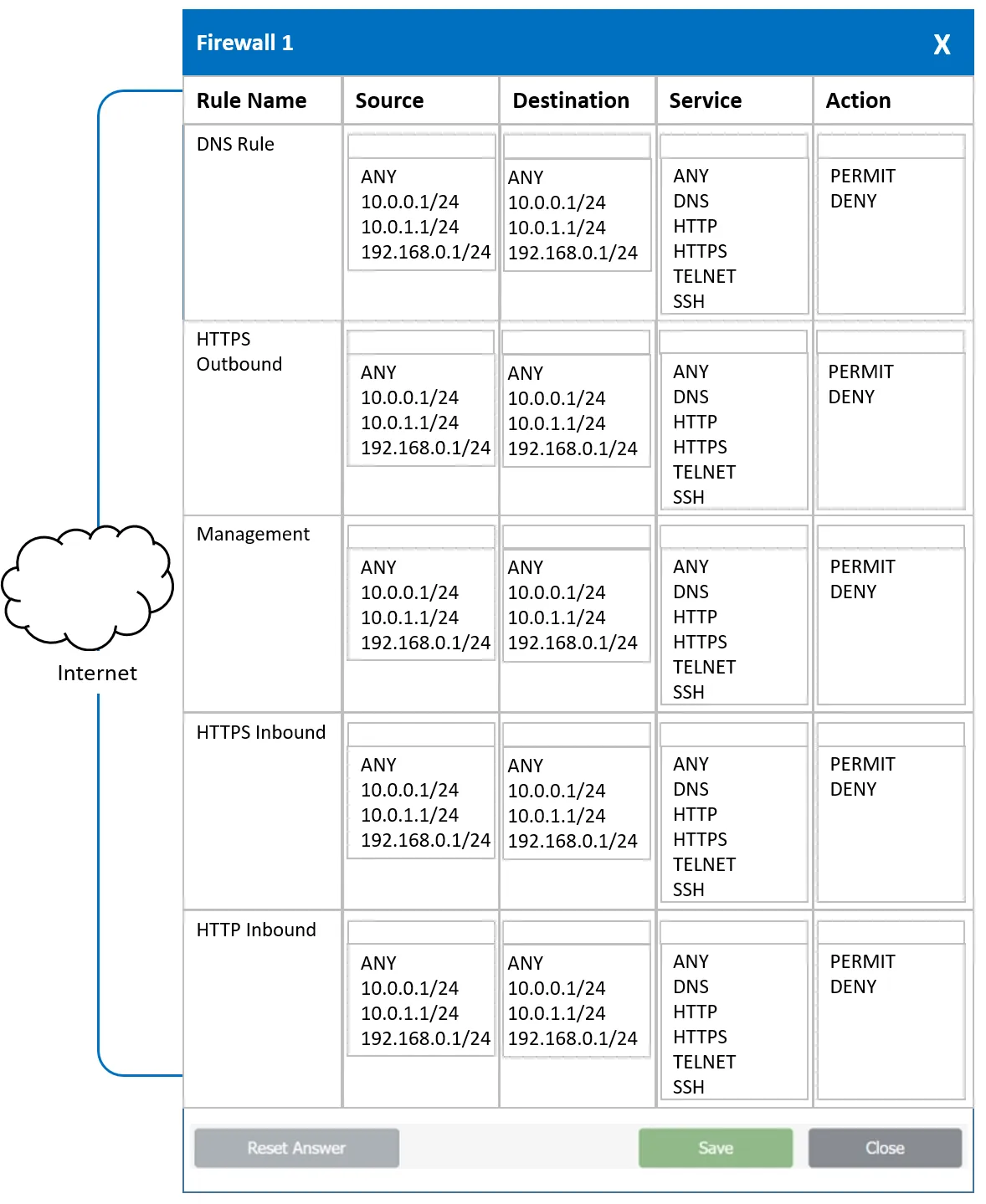
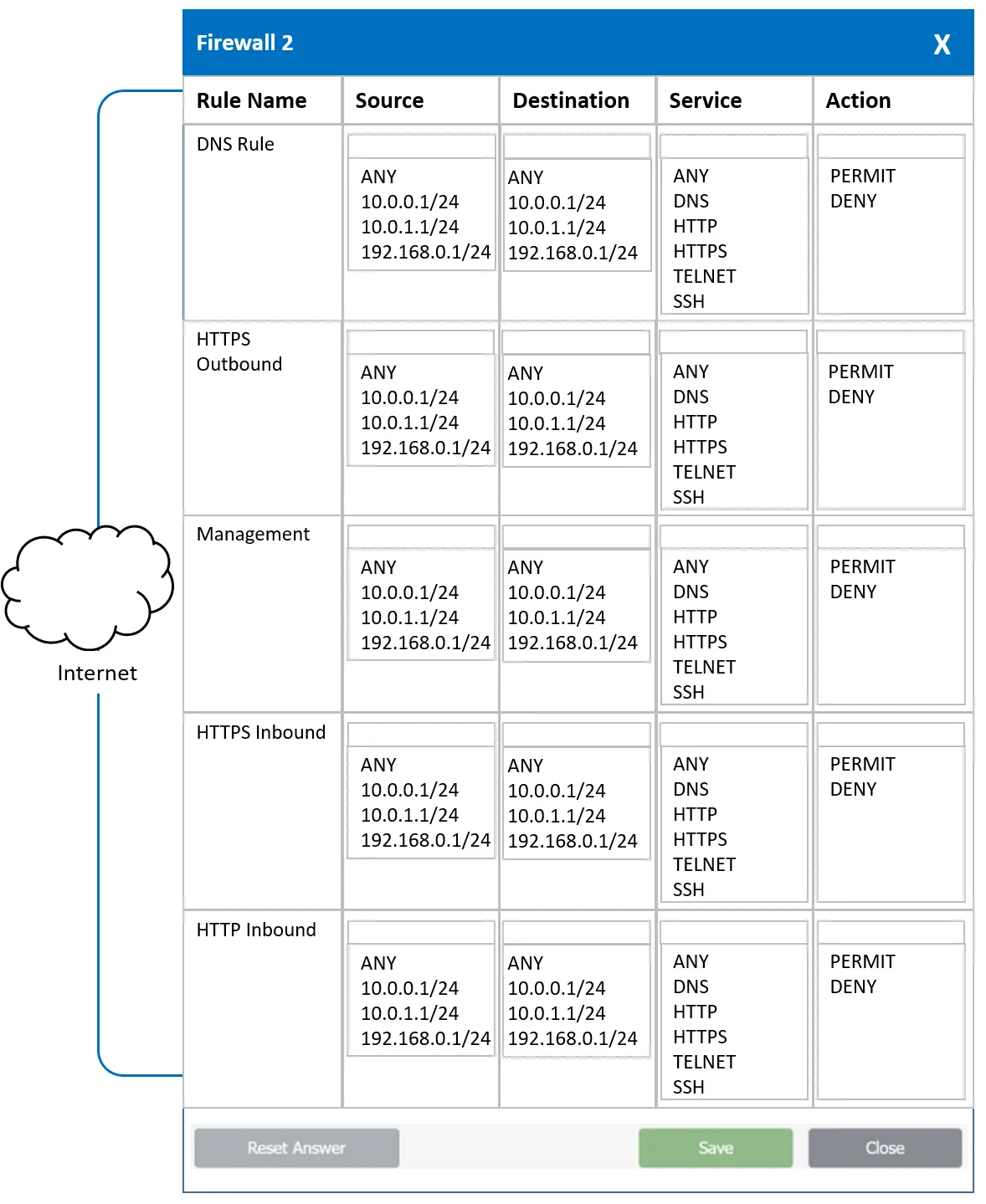
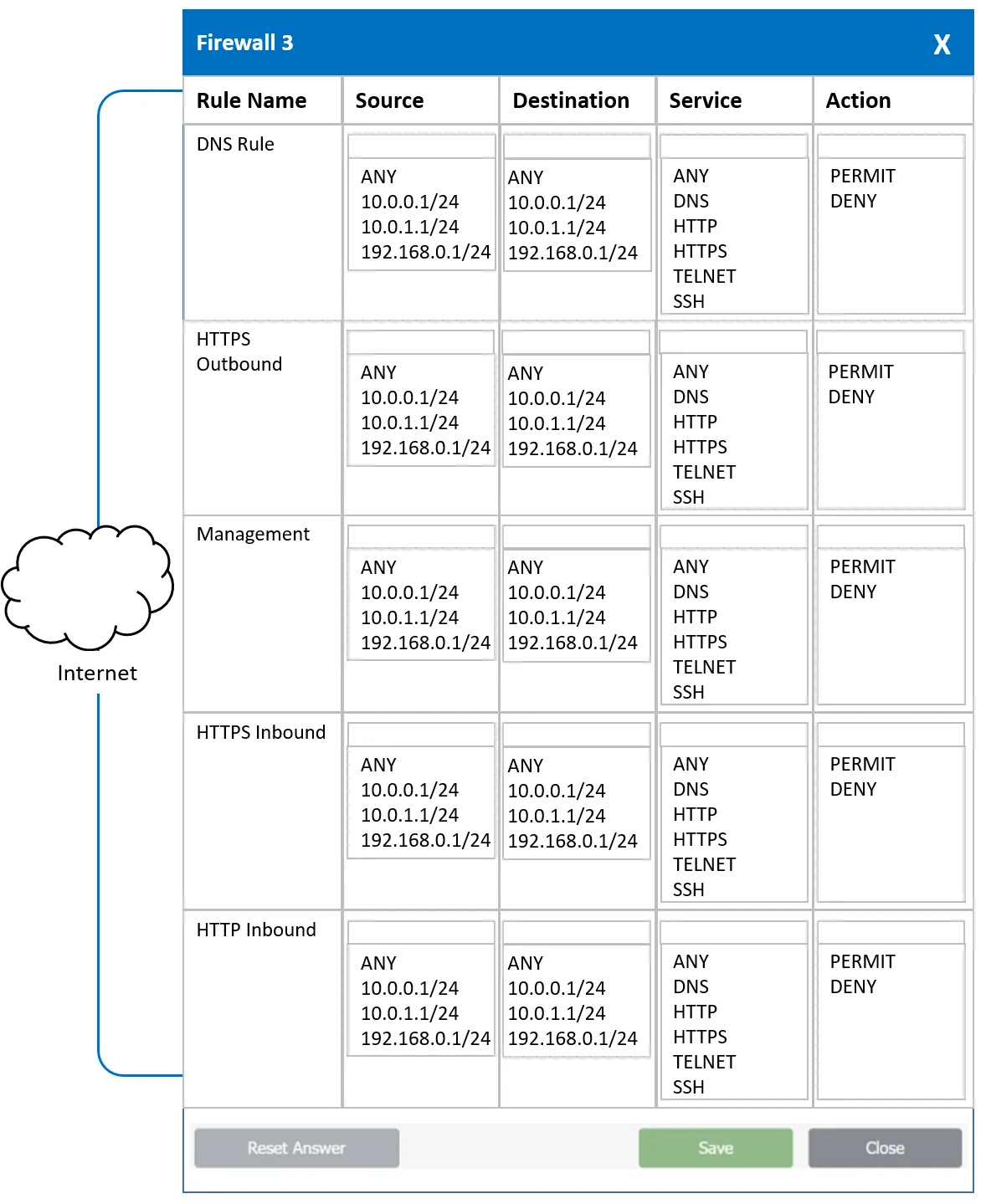
SIMULATION - A company recently added a DR site and is redesigning the network. Users at the DR site are having issues browsing websites. INSTRUCTIONS - Click on each firewall to do the following: 1. Deny cleartext web traffic. 2. Ensure secure management protocols are used. 3. Resolve issues at the DR site. The ruleset order cannot be modified due to outside constraints. If at any time you would like to bring back the initial state of the simulation, please click the Reset All button.

This is an interactive task on the real exam — a drag-and-drop, hotspot or ordering question. There is nothing to select here, so the answer is shown below for reference.
Show the answer figure
Answer: See figure below
Explanation
FW1: DNS Rule: ANY > ANY > DNS > PERMIT HTTPS Outbound: 10.0.0.1/24 > ANY > HTTPS > PERMIT Management: ANY > ANY > SSH > PERMIT HTTPS Inbound: ANY > 10.0.0.1/24 > HTTPS > PERMIT HTTP Inbound:ANY > ANY > HTTP > DENY FW2: DNS Rule: ANY > ANY > DNS > PERMIT HTTPS Outbound: 10.0.1.1/24 > ANY > HTTPS > PERMIT Management: ANY > ANY > SSH > PERMIT HTTPS Inbound: ANY > 10.0.1.1/24 > HTTPS > PERMIT HTTP Inbound: ANY > ANY > HTTP > DENY FW3: DNS Rule: ANY > ANY > DNS > PERMIT HTTPS Outbound: 192.168.0.1/24 > ANY > HTTPS > PERMIT Management: ANY > ANY > SSH > PERMIT HTTPS Inbound: ANY > 192.168.0.1/24 > HTTPS > PERMIT HTTP Inbound: ANY > ANY > HTTP > DENY
Source: Adapted from community discussion — WinEH