Question 241 · 396 in bank
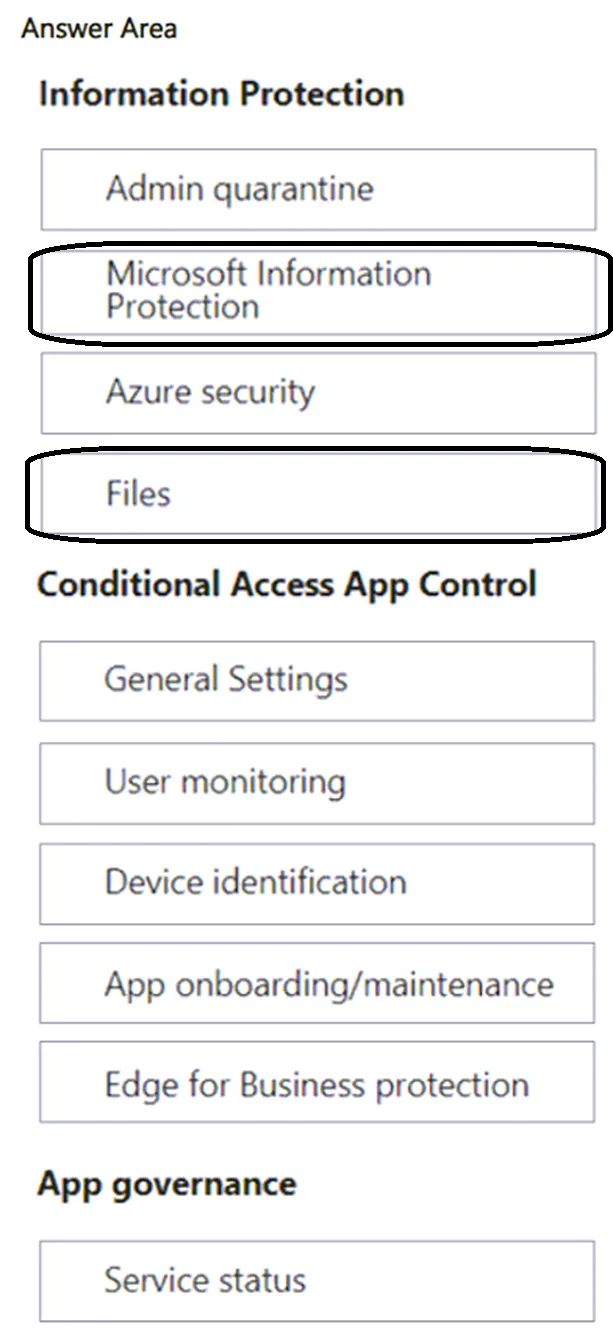
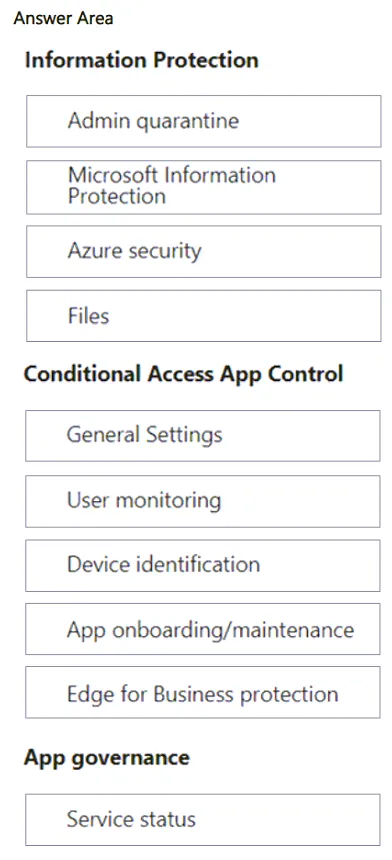
HOTSPOT - You have a Microsoft 365 E5 subscription and use Microsoft Defender for Cloud Apps. You need to create a file policy named Policy1 that meets the following requirements: • Inspects files in connected software as a service (SaaS) apps • Inspects protected files Which two settings should you configure? To answer, select the appropriate settings in the answer area. NOTE: Each correct selection is worth one point.
This is an interactive task on the real exam — a drag-and-drop, hotspot or ordering question. There is nothing to select here, so the answer is shown below for reference.
Show the answer figure
Answer: See figure below
Explanation
Correct Look into Defender > System > Settings > Cloud Apps > Files > Enables file monitoring: This enabled to see files in your SaaS apps. Microsoft Information Protection > Inspect Protected Files needs to be activated
Source: Adapted from community discussion — JohnDoe47