Question 41 · 190 in bank
DRAG DROP - You have a Fabric workspace that contains a Dataflow Gen2 query. The query returns the following data.

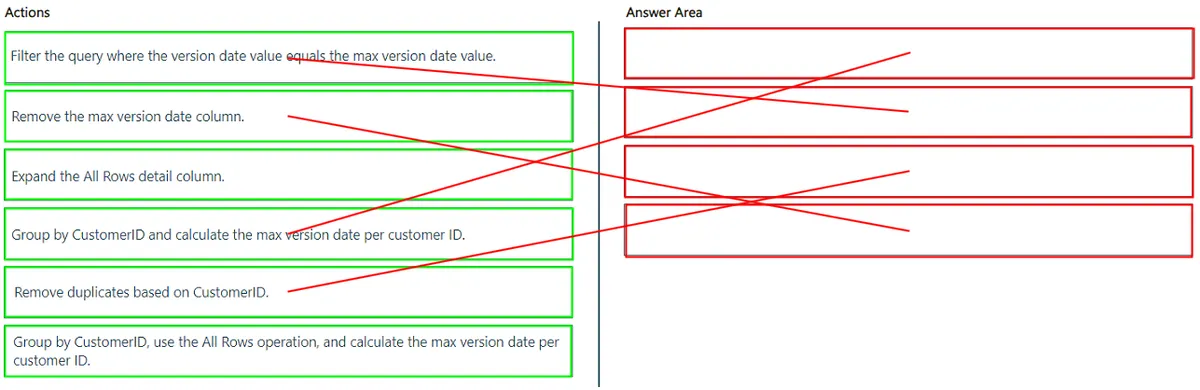
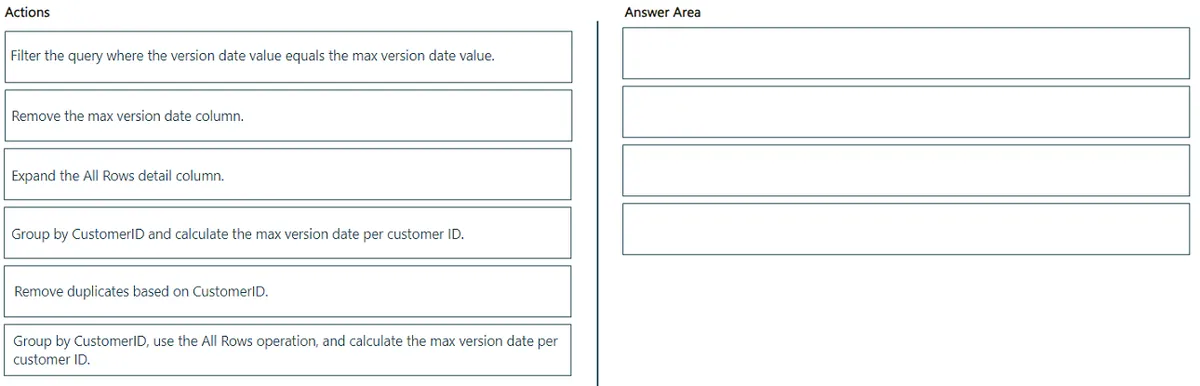
You need to filter the results to ensure that only the latest version of each customer’s record is retained. The solution must ensure that no new columns are loaded to the semantic model. Which four actions should you perform in sequence in Power Query Editor? To answer, move the appropriate actions from the list of actions to the answer area and arrange them in the correct order.
This is an interactive task on the real exam — a drag-and-drop, hotspot or ordering question. There is nothing to select here, so the answer is shown below for reference.
Show the answer figure
Answer: See figure below
Explanation
Step 1: Group by CustomerID and calculate the max version date per customer ID This step groups the data by CustomerID and determines the maximum VersionDate for each customer. This identifies the latest record for each customer. Step 2: Expand the All Rows detail column This step expands the detail column, making all the data within each group accessible. This is necessary to access the other columns associated with the maximum VersionDate. Step 3: Filter the query where the version date value equals the max version date value This step filters the data, keeping only the rows where the VersionDate matches the maximum VersionDate calculated in Step 1. This ensures that only the latest record for each customer is retained. Step 4: Remove duplicates based on CustomerID This step removes any remaining duplicate rows based on CustomerID. Since we've already filtered for the latest record, this step ensures only one record per customer remains.
Source: Adapted from community discussion — wgaignard2